
Developers
An API for everything in Squirrel.
Create invoices from your ERP, open payment pages from your checkout, refund, and hear about every payment, invoice and dispute on your webhook. Test keys run on simulated money, so you can build before you go live.
Developers
Plug it into your ERP.
Everything in Squirrel has an API: create and send invoices from your own system, take payments on your checkout, and hear about every payment, invoice and dispute on your webhook.
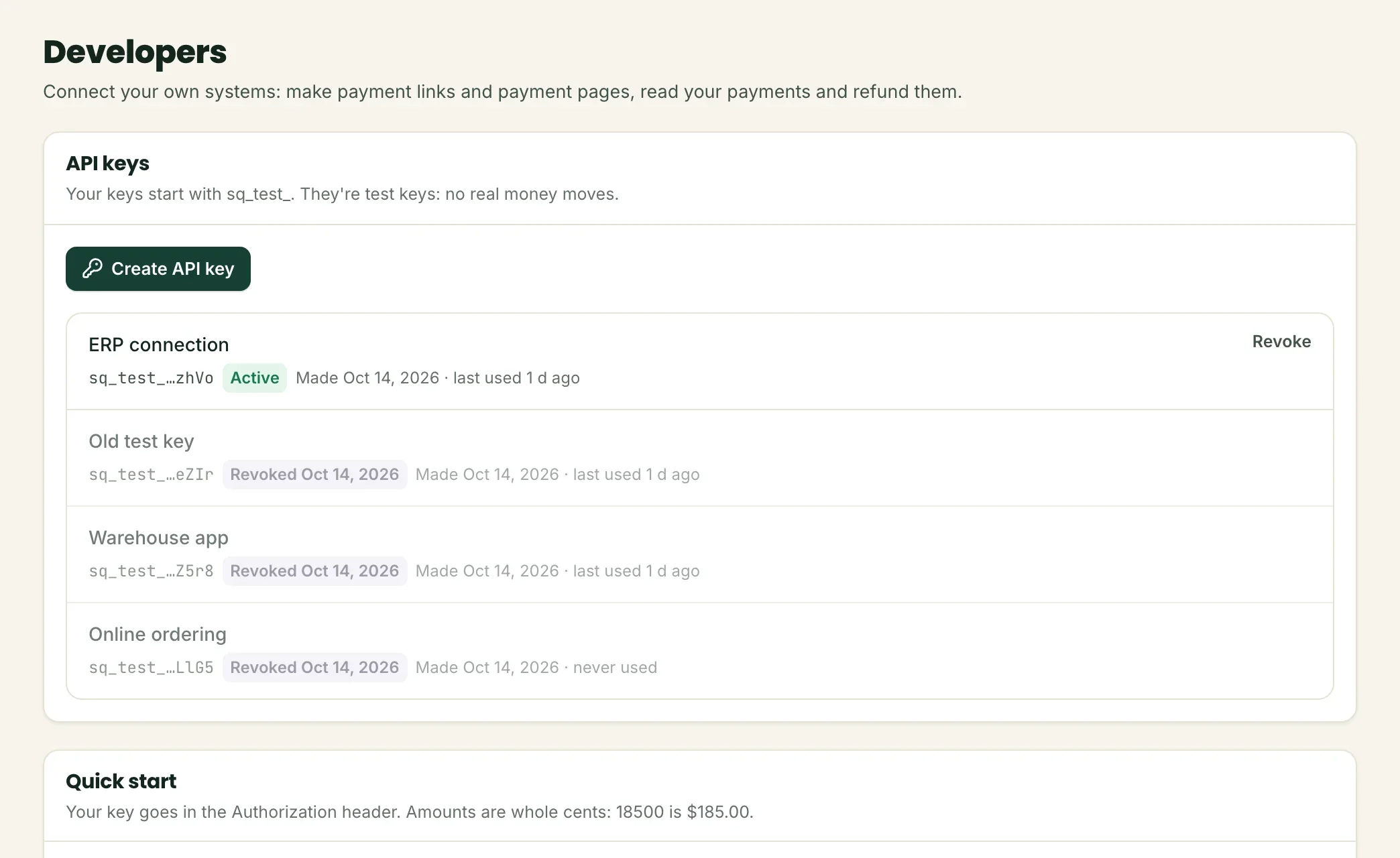
- API keys for each business, shown once and stored only as a fingerprint
- Signed webhook events, retried for days until your system answers
- Idempotency keys, clear limits, and your latest calls in your panel
- Your own invoice numbers, so your ERP and Squirrel always match
# Bill a customer: the invoice is emailed, with a page to pay it
curl https://app.keepsquirrel.com/api/v1/invoices \
  -u sq_live_…: \
  -H "Content-Type: application/json" \
  -d '{"customer": {"name": "María López", "email": "ap@casamaria.example"},
       "lines": [{"description": "Avocados Hass, case of 48",
                  "quantity": 6, "unit_amount": 5400}],
       "reference": "SI-104233", "days_until_due": 30,
       "send": true}'
Endpoints
What you can do.
REST over HTTPS, JSON in and out, amounts in cents. Authenticate with your secret key, the way you would with Stripe.
| Endpoint | What it does |
|---|---|
POST/v1/payment_links | Create a payment link. A permanent link for a fixed amount: put it on an invoice, a QR code or a button. It works until you turn it off, for any number of payments. |
GET/v1/payment_links | List your payment links. All your links, the ones on first. |
GET/v1/payment_links/{id} | Get a payment link. One of your links, with how many times it was opened and paid. |
POST/v1/payment_links/{id} | Turn a payment link on or off. A link that's off shows your customer that it's closed. Turn it back on any time. |
POST/v1/checkout_sessions | Create a payment page. A payment page for one payment, good for 30 minutes. Send your customer to its url; when they pay, you get a payment.succeeded event. |
GET/v1/payments | List your payments. Your payments, newest first, a page at a time. |
GET/v1/payments/{id} | Get a payment. One of your payments. |
POST/v1/payments/{id}/refund | Refund a payment. Refunds what's left of a captured payment, or part of it. The money goes back to the card the customer paid with. |
POST/v1/invoices | Create an invoice. Bills a customer for an order. With send=true we email it right away with a link to its page, where they pay by card or, when your business takes bank payments, from their bank account (ACH). A bank payment shows in amount_processing until it clears (1 to 2 banking days), then in amount_paid. Reminders go out 3 days before the due date, on it and 7 days late. Send the body as JSON. |
GET/v1/invoices | List your invoices. Newest first, without their lines (get one invoice for those). |
GET/v1/invoices/{id} | Get an invoice. One of your invoices, with its lines and what's been paid. |
POST/v1/invoices/{id}/send | Send an invoice. Emails it to the customer. A draft becomes open; an open one is sent again. |
POST/v1/invoices/{id}/void | Void an invoice. Its page says it's void and it can't be paid. Only while nothing has been paid on it. |
POST/v1/invoices/{id}/delivery | Record a delivery. How the invoice's goods were delivered: the day, who received and signed for them, the delivery ticket. Record it before the customer pays by card and it goes with the payment, so a "never received it" dispute has its answer on file. Send the body as JSON. |
GET/v1/disputes | List your disputes. Payments a customer's bank asked to take back, newest first. You answer them from your Squirrel panel; a dispute.created event tells your systems when one arrives. |
GET/v1/disputes/{id} | Get a dispute. One of your disputes, with its deadline (evidence_due_by) and the payment it's about, when we know which one it is. |
Webhooks
Hear about every change.
Add up to five https endpoints, each with the events it wants. Every event is signed with your endpoint's secret and retried until your system answers.
| Event | When |
|---|---|
payment.succeeded | A payment went through. |
payment.authorized | A card was approved; the payment waits to be captured. |
payment.failed | A payment was declined or failed. |
payment.refunded | A payment was refunded, all of it or a part. |
payment.voided | An approved payment was canceled before it was captured. |
payment.disputed | The processor marked a payment as disputed. |
dispute.created | A customer's bank opened a dispute: answer it by its deadline. |
dispute.closed | A dispute was decided: won, lost or accepted. |
invoice.paid | An invoice was paid in full. |
invoice.payment_failed | A bank payment on an invoice failed, or came back after clearing. |
Built to be built on
The details that keep money right.
Keys per business
Each business makes its own keys: shown once, kept only as a fingerprint, revoked in a click.
Idempotency keys
Send the same request twice and get the first answer back, for 24 hours: a retry never charges twice.
Clear limits
120 calls a minute per business. Above that, a plain 429 that says to wait a few seconds and try again.
See what happened
Your keys' latest calls and every webhook delivery, with the answer each got, in your panel.
Only your own data
A key sees its business and nothing else: anyone else's object answers as not found.
Your numbers
Send your own invoice number and get a clear 409 if it's already there: your ERP and Squirrel stay matched.
Build it this week.
Apply, make a test key, and send your first invoice through the API on simulated money. Go live when your business is approved.